Updated: October 2026.
The Singing Carrots AI Vocal Coach is a free app for iPhone and Android, and it also runs in any modern browser on desktop or phone. Downloading the app costs nothing; your Singing Carrots membership is what unlocks the coach itself, on every device. One account, one coach, the same progress wherever you open it.
This page is the practical one: what the app does, which version to use, who it’s for, and how to get it. If you first want to know what an AI vocal coach is and whether it works, start with what an AI vocal coach is.
What does the app do?
The app is the same coach as the web version, built for a phone. In a session:
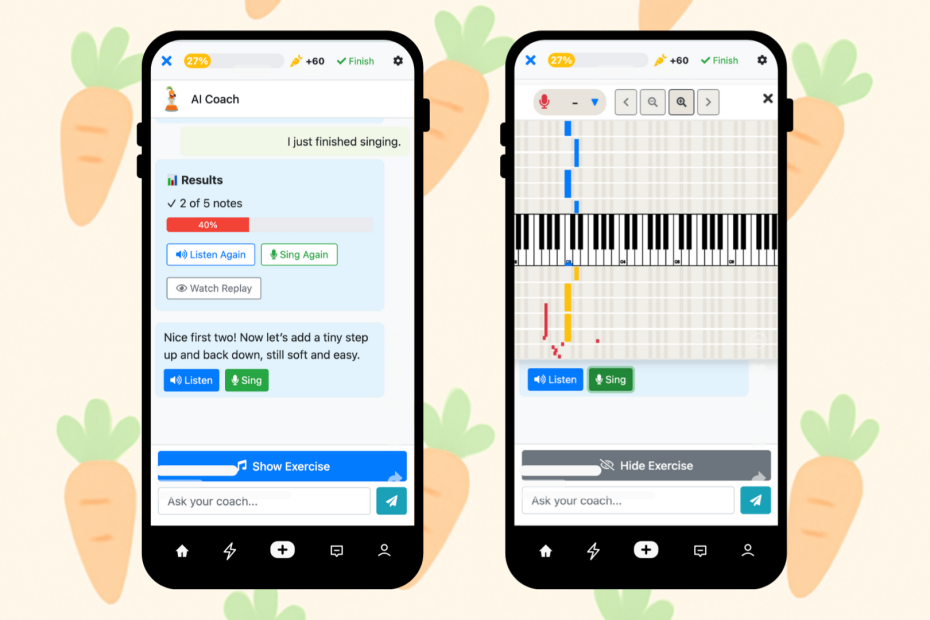
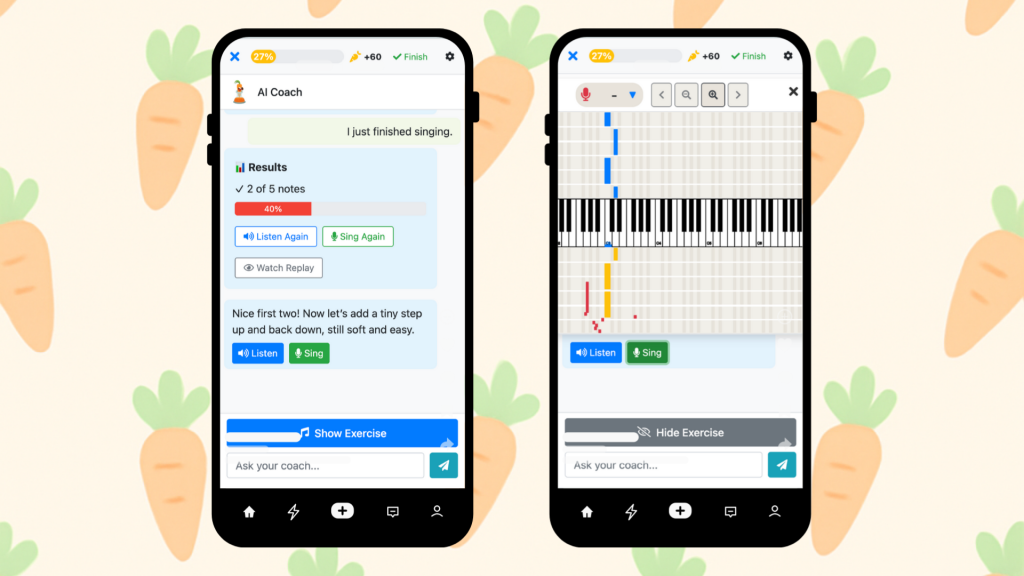
• It listens to you sing. You have a conversation with the coach; it hears your voice, gives feedback as you go, and adapts the next exercise to your range and your pace.
• Real-time pitch feedback. You see when you’re on the note and when you’re not, while you sing.
• Karaoke-style lyrics. Sing along to a song and each syllable is marked hit or miss as it passes.
• A plan for today. The coach builds each session around your progress and your goal for the day, and shortens or stretches it to the time you actually have.
• Progress you can trust. Streaks, milestones and real metrics — pitch accuracy, range, notes hit — rather than noisy badges.
The coach can’t see you. It hears pitch, timing, sustain and tone, not posture or breath, and it isn’t a substitute for a teacher if something hurts. For what it does well and where it stops, see is the Singing Carrots AI vocal coach worth it?.
iPhone
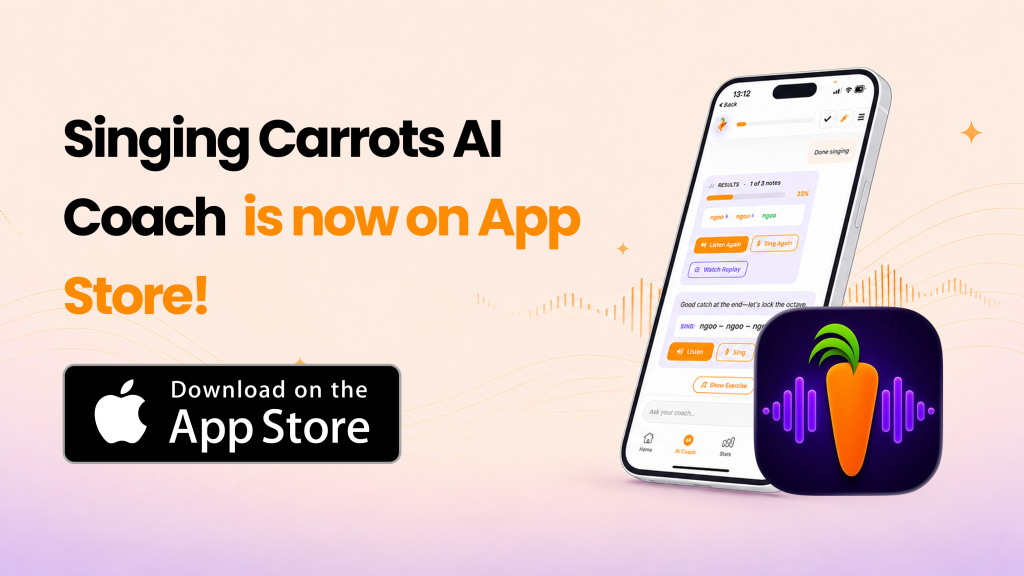
Singing Carrots AI Vocal Coach is on the App Store (free, iOS 15 or later). The interface is chat-first: the coaching conversation stays on screen and the pitch display overlays when you’re singing. Listen, Sing and Show Exercise are one-tap buttons sized for a thumb. Portrait orientation.
Android
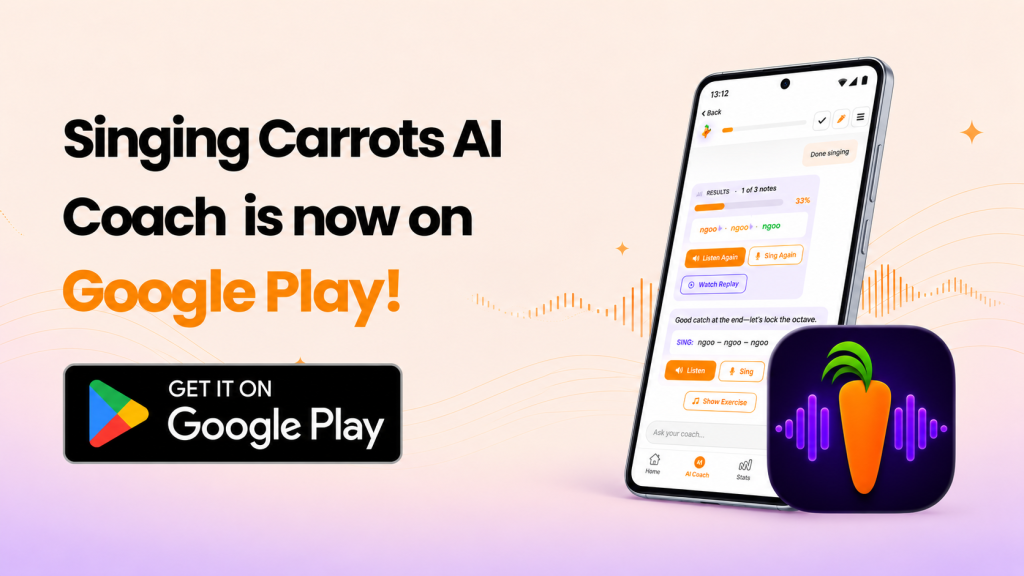
The Android app is on Google Play (free). It is the same app as the iPhone version — same coach, same features, same account.
Web (desktop and mobile browser)
No download needed: open singingcarrots.com/ai-session in Safari, Chrome, Firefox or Edge, on a computer or a phone, and log in. Desktop has the bigger pitch display and works with a USB microphone and headphones; it remains the best setup for a longer, focused session. The mobile browser version is for the ten minutes before work or in the car.
Same account, same progress
Your session history syncs across every device. Start on desktop, continue in the app on the train, finish in a mobile browser at home: it’s one account, one history, and a coach that already knows your range and your weak spots.
Who is the app for?
• Members who already train on the web and want their sessions to follow them.
• Anyone whose practice time shows up in five-minute gaps — commute, gym, a quiet car.
• Beginners who want a private space with no audience. The app has no social feed, no spectators, nothing posted anywhere. Just you and a coach that listens.
Not for: anyone looking for a free coach — the app is free, the coaching needs a membership (from $119.99 a year, see plans). The free tools — the vocal range test, pitch accuracy test and pitch monitor — stay free on the web without an account. And not for signing up: create your account on the web first, then log in to the app.
How to get it
• New to Singing Carrots? Create your account on the web at singingcarrots.com/ai-singing-coach and pick a plan.
• On your phone, search the App Store or Google Play for “Singing Carrots AI Vocal Coach” and download it (free) — or use the links above.
• Log in with your existing account.
• Allow microphone access when asked.
• Put on headphones if you have them, find a quiet spot, and start your first session.
For how to make the sessions add up — how long, how often, what to do first — read the session ritual.
FAQ
No. Log in with the account you use on the web. Accounts are created on the web, not in the app.
Yes, on Google Play since October 2026. The iPhone app launched in June 2026.
Yes. Session history, range and progress sync automatically across all devices.
Yes. It runs in any modern browser at singingcarrots.com/ai-session, on desktop and on phones.
Very close to desktop. Phone microphones are good now; headphones and a quiet room make the biggest difference, because background noise affects a phone mic more.
No. The coaching runs on a server, so it needs an internet connection.
A typical 15–20 minute session is comparable to a video call.
No. It replaces the practice-and-feedback half of learning — the daily reps a teacher can’t attend. It can’t see posture or breath, and it isn’t a substitute for a teacher if something hurts. The honest version is in can AI replace a vocal coach?.
Across 2,000+ singers, beginners gained +16.5 percentage points of pitch accuracy in four weeks, and the gains held at three months. Details in the 7-month results.