
How accurate is online voice testing in real life?
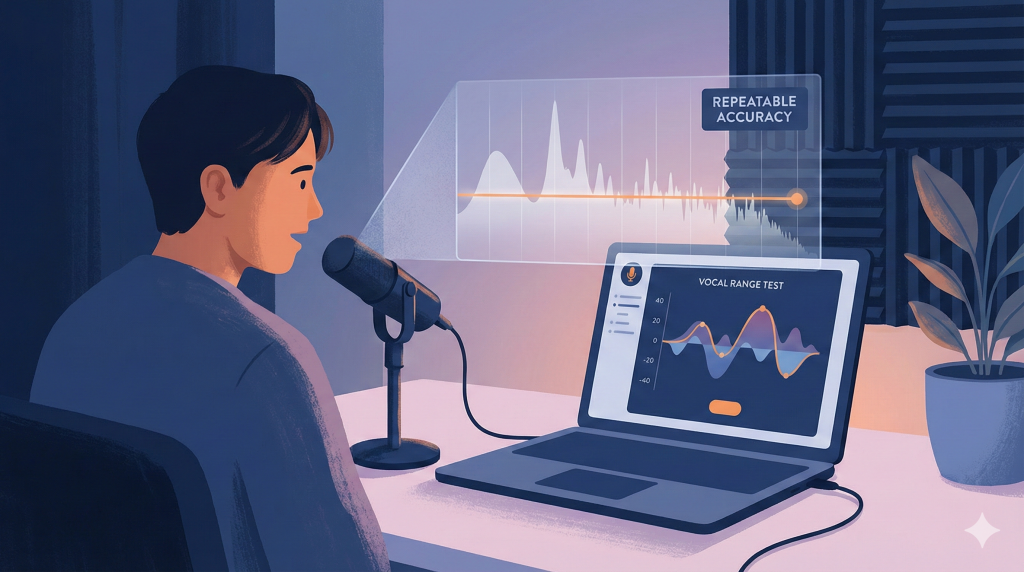
The short answer is: it depends on what you expect from it. If you’re using a voice tester to get a practical baseline — your current vocal range, where your comfortable notes sit, or whether you’re consistently sharp or flat — then accuracy means something very specific: repeatability.
If you can repeat the test under similar conditions and get similar results, the measurement is reliable. However, if you’re trying to use voice testing to prove talent, diagnose a medical issue, or permanently define your voice type, then no online tool is designed for that level of evaluation.
There’s also a common trust problem. Someone takes an online voice test in a noisy room, gets a strange result, and concludes that all voice testers are inaccurate. In reality, pitch detection is well-developed technology, and modern tools can be very precise — but only when used properly. Understanding what affects voice test accuracy is the key.
If you’ve already taken a test and want to know what the score actually says about you, that’s a different question. See what an AI can and can’t judge about your singing and, underneath it all, how to tell if you’re a good singer.
What Affects Accuracy in Voice Testing
Most online voice testing tools estimate something called fundamental frequency (F0) — the vibration rate of your vocal folds — and convert that into a musical note. That process sounds simple, but it depends on several variables working together: your voice, your microphone, your environment, the pitch-detection algorithm, and finally the displayed result. If one link in that chain is weak, the outcome can shift.
If you want the most reliable baseline, start with an online vocal range test
Range testing is one of the most direct and dependable measurements these tools can provide because it focuses on steady pitch detection rather than complex musical interpretation.
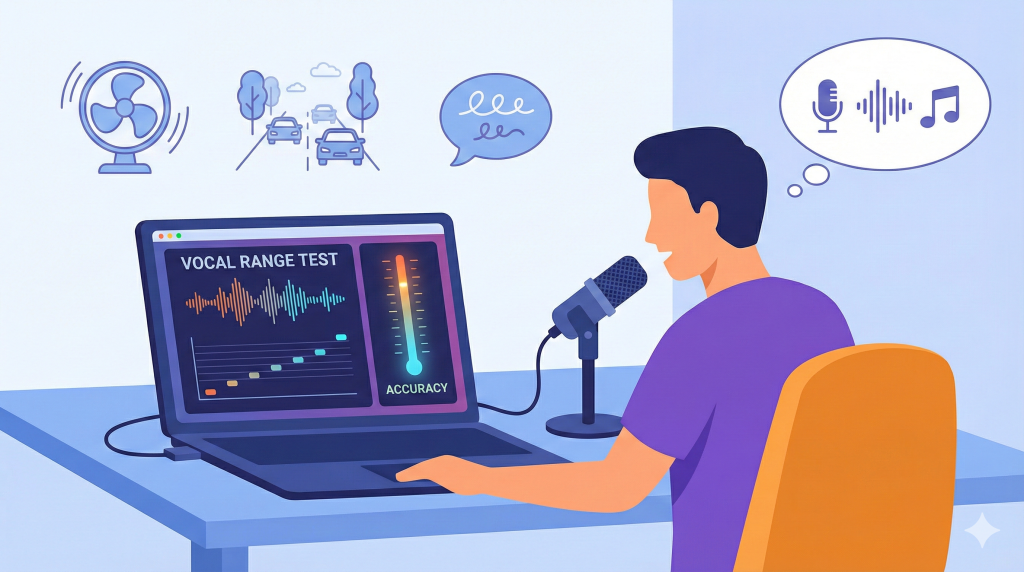
Microphone quality plays a bigger role than most people realize. While most phones and laptops are good enough for basic pitch tracking, cheap microphones can add background hiss, and some devices apply automatic gain control or noise suppression that slightly alters your sound. Standing too far from the mic increases room noise; standing too close can cause distortion. Both situations reduce voice test accuracy and may lead to unstable note detection or octave errors.
Environment matters even more. Background noise — fans, traffic, talking, air conditioning — is the most common reason online voice testing feels inconsistent. Pitch detection systems perform best with clean, isolated vocal input. If your voice tester “jumps” between notes, it’s often environmental interference rather than a faulty algorithm.
Singing technique also affects results. Online voice testing works best when you hold a steady, voiced vowel like “ah” or “oo.” Whispering, sliding rapidly between notes, or forcing extreme high and low pitches produces unstable waveforms that are harder to measure. Octave errors often happen when the system locks onto a harmonic instead of your true fundamental pitch, especially if the sound is breathy or distorted.
What Online Voice Tests Can and Can’t Do
Online voice testing is strongest when measuring objective acoustic features. It can reliably estimate pitch during steady notes, approximate your vocal range boundaries, track pitch stability, and detect whether you tend to sing sharp or flat. These are measurable properties of sound.
What it cannot reliably measure are medical conditions, vocal fold behavior, artistry, or full professional voice classification. Voice type is not simply “highest minus lowest note.” It also involves comfort zone, tonal color, and register transitions. That’s why online tools should be used for what they do best.
If your primary goal is to measure range, a focused vocal range test is usually the most accurate and practical starting point.
How to Get the Most Accurate Result
Maximizing voice test accuracy is straightforward if you control the basics. Warm up for three to five minutes before testing so your voice is stable. Choose a quiet room with minimal background noise. Stand about 15–25 cm from your microphone to avoid distortion. Use a steady vowel sound and hold each note briefly instead of sliding quickly. Avoid forcing extreme notes that feel strained. Finally, repeat the test two or three times under similar conditions. If the results are consistent, you can trust them.
If you want a repeatable baseline that you can track over time, you can test your vocal range and treat the result as a starting measurement rather than a final judgment about your voice.
FAQ
Are online voice tests accurate?
Yes — within scope. They are generally accurate for estimating pitch and basic range when used in controlled conditions.
Why do results change between attempts?
Changes usually come from background noise, microphone distance, warm-up differences, or unstable phonation.
What causes octave errors?
Octave errors happen when the system detects a harmonic instead of the true base frequency, often due to noise or unstable tone.
Can online voice testing tell me my voice type?
It can suggest a starting point based on range, but full classification involves comfort zone, tonal quality, and register transitions.
Can an online voice test diagnose vocal problems?
No. Medical diagnosis requires professional evaluation. Online tools are for measurement and training support.